Navigation within an Application Tab
Each Application tab maintains a history of the nodes you have visited in this tab. You can navigate these nodes using the View > Go Back to the Previous Node and View > Go to the Next Node menu items, or with the equivalent toolbar buttons:

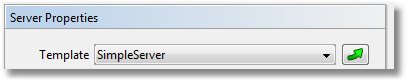
Also on some forms a green arrow button provides a link to another node (typically a template) in the same Application pane: