Application Component
An application is primarily a way to group definitions and does not actually exist in a live deployment.
Nevertheless, IceGrid GUI offers a number of application-related actions in the live deployment view through the Filter live deployment button and the Tools > Application menu:
Show details Show various information about the selected application.
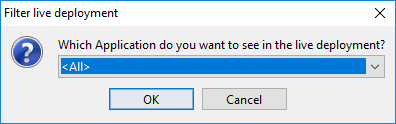
Filter live deployment Shows only the selected application in the live deployment view; servers and other components associated with other applications are "filtered out".
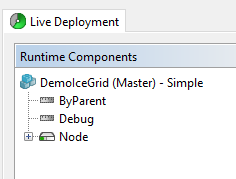
When filtering is enabled, the name of the selected application appears to the right of the registry name. In the picture below, the live deployment view shows only the application named 'Simple'.
Remove from registry Remove the selected application from the registry.